
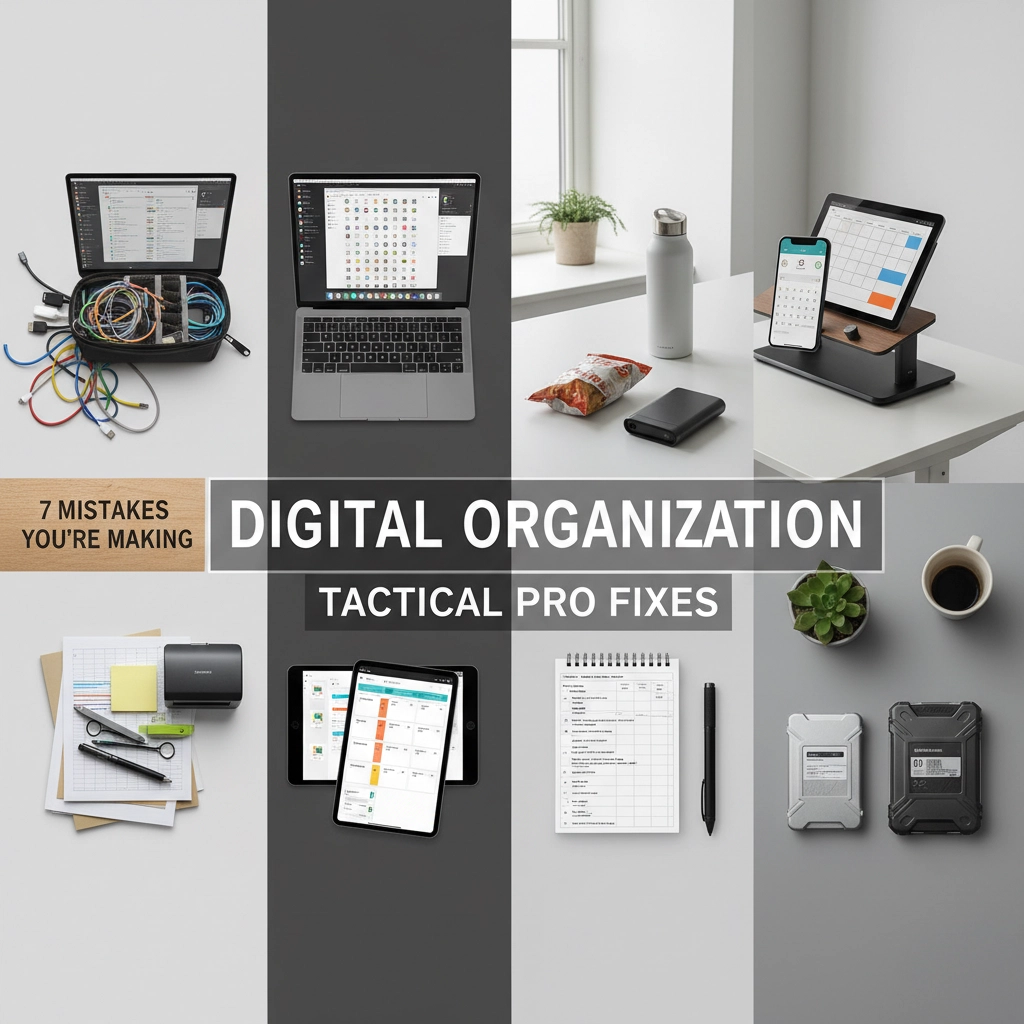
Your digital life is a battlefield, and right now, you're losing.
Every day, executives and high-performers waste precious mental bandwidth searching for files, scrolling through chaotic inboxes, and drowning in digital debris. The enemy? Poor digital organization habits that sabotage your efficiency and steal your focus.
But here's the thing: you don't have to accept digital defeat. With the right tactical approach, you can transform your digital chaos into a precision-engineered system that works for you, not against you.
Let's identify the seven critical mistakes that are undermining your digital operations and the proven strategies to eliminate them once and for all.
Mistake #1: Saving Everything "Just in Case"
This is digital hoarding at its worst. You're keeping every screenshot, every draft, every random download because "what if I need it someday?" Meanwhile, your storage is bloated and finding anything important becomes like searching for a needle in a haystack.
The psychological reality? People form emotional attachments to digital files and experience genuine distress when deleting items: even screenshots they'll never look at again. But when you can't find what you need, it might as well not exist.
Tactical Fix: Deploy the 6-Month Rule. If you haven't accessed a file in six months, it's non-essential. Create a "Review for Deletion" folder and move questionable files there. After 30 days, if you haven't needed anything from that folder, delete it entirely. Be ruthless: your future self will thank you.

Mistake #2: Operating Without a Clear Folder Hierarchy
Random folders scattered across your desktop and drives create cognitive overload. Without a strategic folder structure, you're essentially fighting blind: you know the information exists somewhere, but you can't execute when it matters most.
Tactical Fix: Implement the 3-Level Rule. Never go more than three folders deep for frequently accessed files. Create a master folder structure with clear categories: Projects → Client Name → File Type. Use consistent naming conventions and stick to them religiously. Your folder structure should be so intuitive that someone else could navigate it without training.
Mistake #3: Keeping Multiple File Versions
"Final," "Final v2," "Final FINAL," "Use This One": sound familiar? Version chaos creates confusion and costly mistakes. Studies show 83% of knowledge workers have sent the wrong version to a client or edited an outdated file.
Tactical Fix: Embrace cloud-based version control. Platforms like Google Drive and SharePoint automatically track version history. Save over the same file name and let the system handle versioning. When you must create a new version, use dates: "Project_Name_2024-11-20." Delete outdated versions immediately.

Mistake #4: Inconsistent Naming Conventions
"IMG_4758," "Document1," "Meeting notes Tuesday": these naming disasters make your files virtually invisible. Without consistent naming, you're forced to open files to identify their contents, wasting time and breaking your focus.
Tactical Fix: Develop and document your naming protocol. Use the format: Date_Project_Description (2024-11-20_ClientMeeting_ActionItems). For ongoing projects, lead with the project name. Make it searchable: include keywords that you'd naturally use when looking for the file later. Train your team on the same system.
Mistake #5: Ignoring Automation Opportunities
Manually sorting emails, repeatedly typing the same responses, and doing repetitive digital tasks is like choosing to march when you could take a helicopter. You're burning energy on tactical tasks instead of strategic thinking.
Tactical Fix: Audit your repetitive digital tasks and automate ruthlessly. Set up email filters and rules, create template responses, use keyboard shortcuts, and leverage tools like Zapier or Microsoft Power Automate. If you do it more than three times, automate it. The 10 minutes you spend setting up automation will save you hours later.

Mistake #6: Poor Handoff Preparation
Your organizational system works perfectly: for you. But when you're out of office or need to delegate, your carefully crafted system becomes a puzzle others can't solve. Context collapse is real: files lose their environmental meaning over time.
Tactical Fix: Build handoff-ready systems from day one. Create a "System Guide" document that explains your folder structure, naming conventions, and where critical files live. Use descriptive folder names that make sense to outsiders. Regularly test your system by having colleagues locate specific files. If they struggle, your system needs refinement.
Mistake #7: No Backup Strategy
Operating without a comprehensive backup strategy is like going into battle without armor. One system failure, one corrupted drive, one ransomware attack, and your digital empire crumbles.
Tactical Fix: Implement the 3-2-1 backup rule: 3 copies of important data, stored on 2 different media types, with 1 copy stored off-site. Use automated cloud backup services and regularly test your restore processes. Schedule monthly "disaster drills" where you practice accessing your backup systems. Prevention beats recovery every time.

Your Digital Organization Battle Plan
Fixing these mistakes isn't about perfection: it's about creating systems that support your bigger mission. Start with the mistake that causes you the most daily friction. Tackle one per week, and within two months, you'll have transformed your digital operations from chaos to precision.
Remember, digital organization isn't just about files and folders: it's about creating mental clarity and operational excellence. When your digital systems run smoothly, your mind is free to focus on what actually moves the needle in your business.
The most successful executives don't just manage their digital environments: they engineer them. Your digital organization should be a force multiplier, not a daily obstacle.
Ready to stop fighting losing battles with digital chaos? Your mission: should you choose to accept it: is to implement these tactical fixes and reclaim control of your digital domain.
Need backup in your digital organization mission? Sometimes the most strategic move is knowing when to call in reinforcements. At Mission: Possible Organizing, we specialize in helping executives and high-performers build bulletproof systems that scale.
Check out our strategic approach to taking back control and discover how the right tactical support can transform your operations from chaotic to commanding.
Quick Tactical Plug: Our AI Unit of Choice — Marblism
When you’re ready to scale without adding headcount, Marblism’s AI Employees slot into your stack like a trained ops squad—handling content, admin, and frontline tasks while you stay in command.
Use Shana’s code PBC4UAJS at checkout to unlock an exclusive reader discount. Start here: https://www.marblism.com/ai-employees
Your digital battlefield awaits. Let's make it work for you.